

;

Software Services
Information Technology Services (ITS) provides a variety of software services, including the deployment of applications for on-campus and off-campus use, licensing and acquisition information, and pre-purchase review of software considered for adoption.
UNCG is prohibited from executing prohibited clauses in software agreements. A legal review is required for all software purchases. Click below to start a New Software purchase.
Software for UNCG Students, Staff and Faculty
Find Software Available To You
Software News
Fri, Jul 31, 2026
AUGUST Tech Training – Start Strong
Featured Webinars Instructional Videos with Clipchamp Clipchamp is a practical tool for turning PowerPoint presentations into polished videos with voiceover. Learn how to record and edit lectures and capture your screen for tutorials. Microsoft Bookings for Office Hours Make it easier for students or colleagues to connect with you by... Continue reading...
The post AUGUST Tech Training – Start Strong appeared first on Information Technology Services.
Mon, Jul 27, 2026
OneDrive Storage Quota Changing to 1 TB for Faculty and Staff | Tuesday, July 28, 2026
Overview Beginning Tuesday, July 28, 2026, ITS will update the Microsoft OneDrive storage quota for faculty and staff to 1 terabyte (TB). This change is part of the University’s Data Retention Project, which is aligning storage services with long-term data management and retention practices. Who Is Affected? Faculty and staff who use UNCG Microsoft OneDrive. What’s... Continue reading...
The post OneDrive Storage Quota Changing to 1 TB for Faculty and Staff | Tuesday, July 28, 2026 appeared first on Information Technology Services.
Wed, Jul 08, 2026
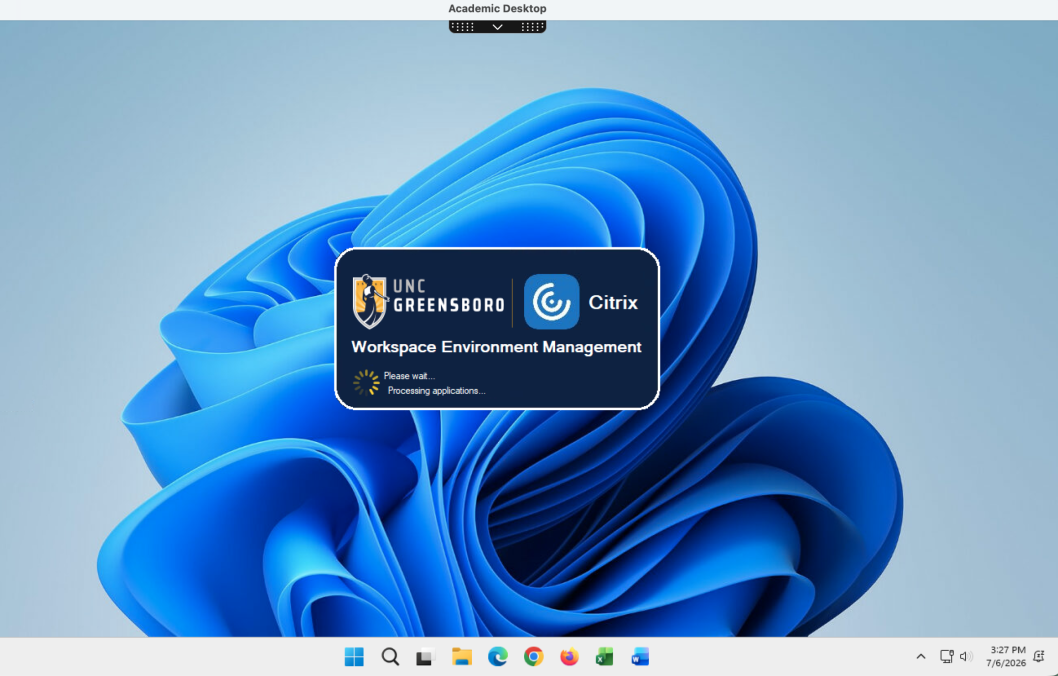
MyCloud Changes | Aug. 10 – Aug. 13, 2026
Beginning Monday, Aug. 10, ITS will make several updates to MyCloud that simplify how Administrative and Academic applications are accessed and improve the desktop environment. These changes do not affect who has access to applications. Instead, they change how some applications are launched. Who Is Affected? All faculty, staff, and... Continue reading...
The post MyCloud Changes | Aug. 10 – Aug. 13, 2026 appeared first on Information Technology Services.
Fri, Jun 05, 2026

Data Central Launches | Monday, June 8, 2026
UNCG is launching Data Central, a new resource designed to help faculty and staff find, understand, and use institutional data more effectively across campus. Maintained by Institutional Research and Enterprise Data Management (IREDM), Data Central brings together commonly used reports, dashboards, data systems, data definitions, training resources, and data governance... Continue reading...
The post Data Central Launches | Monday, June 8, 2026 appeared first on Information Technology Services.
Fri, Jun 12, 2026

FileVault for Macs | Monday, June 15, 2026
Who Is Affected? Faculty and staff who use a University-owned Mac computer for work. What Is Happening? ITS is enabling FileVault on University-owned Mac devices. FileVault is Apple’s built-in disk encryption technology that helps protect data stored on a Mac. Similar to BitLocker on Windows computers, FileVault encrypts the contents... Continue reading...
The post FileVault for Macs | Monday, June 15, 2026 appeared first on Information Technology Services.
Resources
Quick links to other UNCG technology resources